Ask AI about anything you're watching.
raisehand watches videos with you, answers questions about what's on screen, and turns the session into study notes and a quiz. It works on any video or site.
Free to start. No credit card needed.
See it in action
From a question to a study guide.
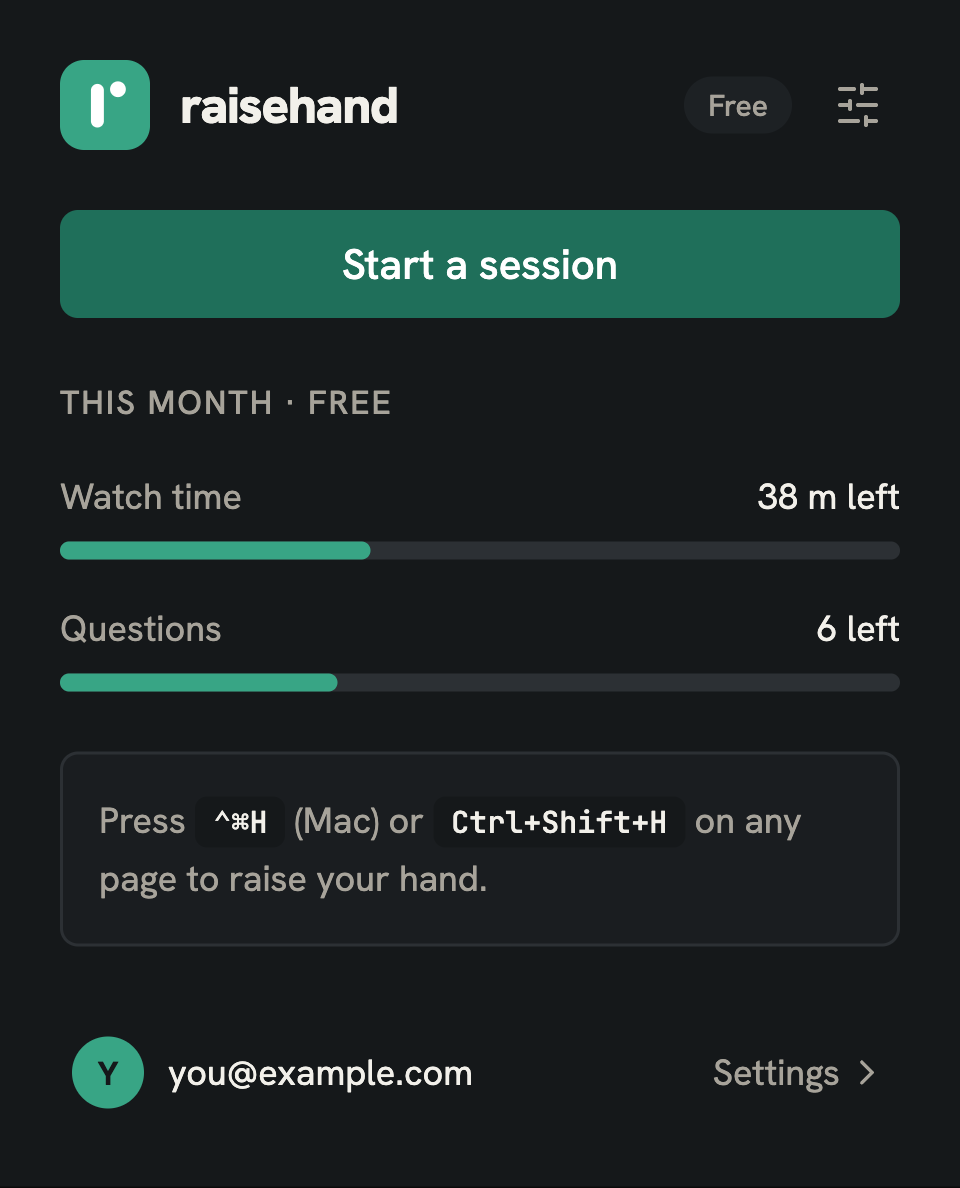
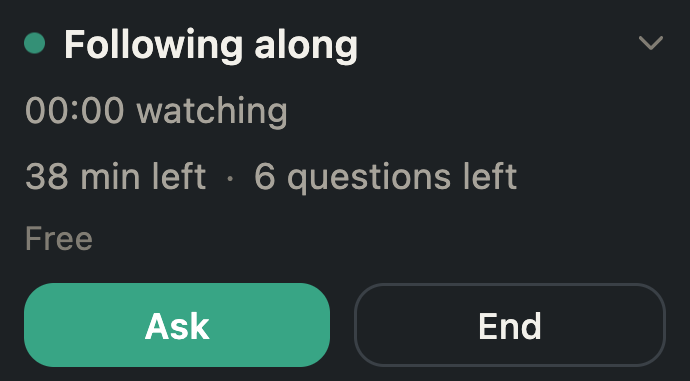
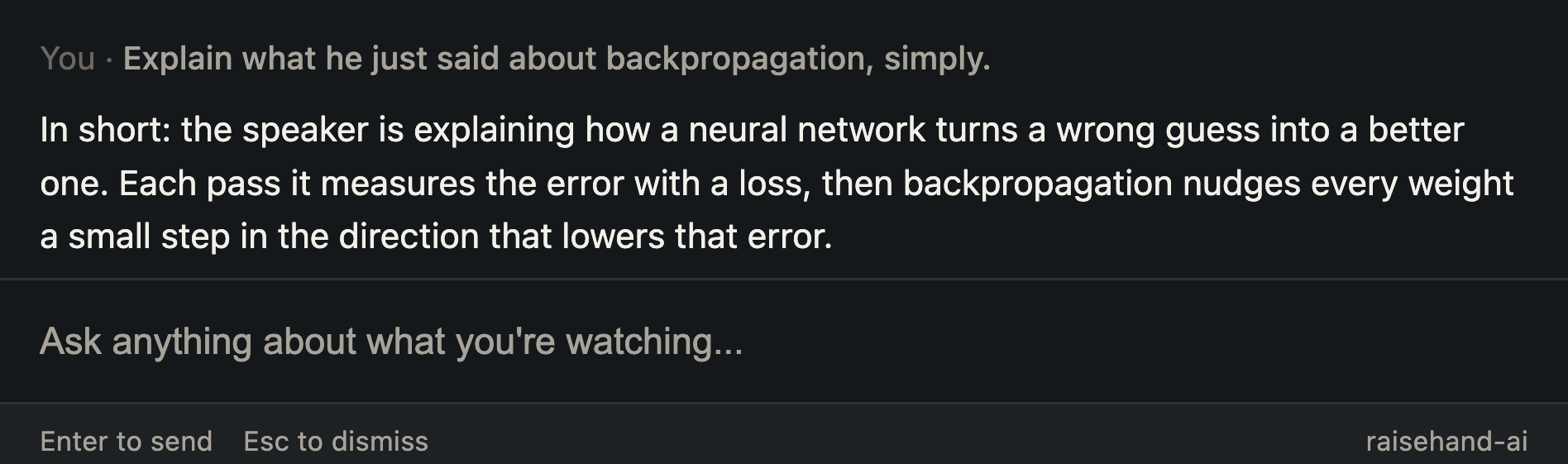
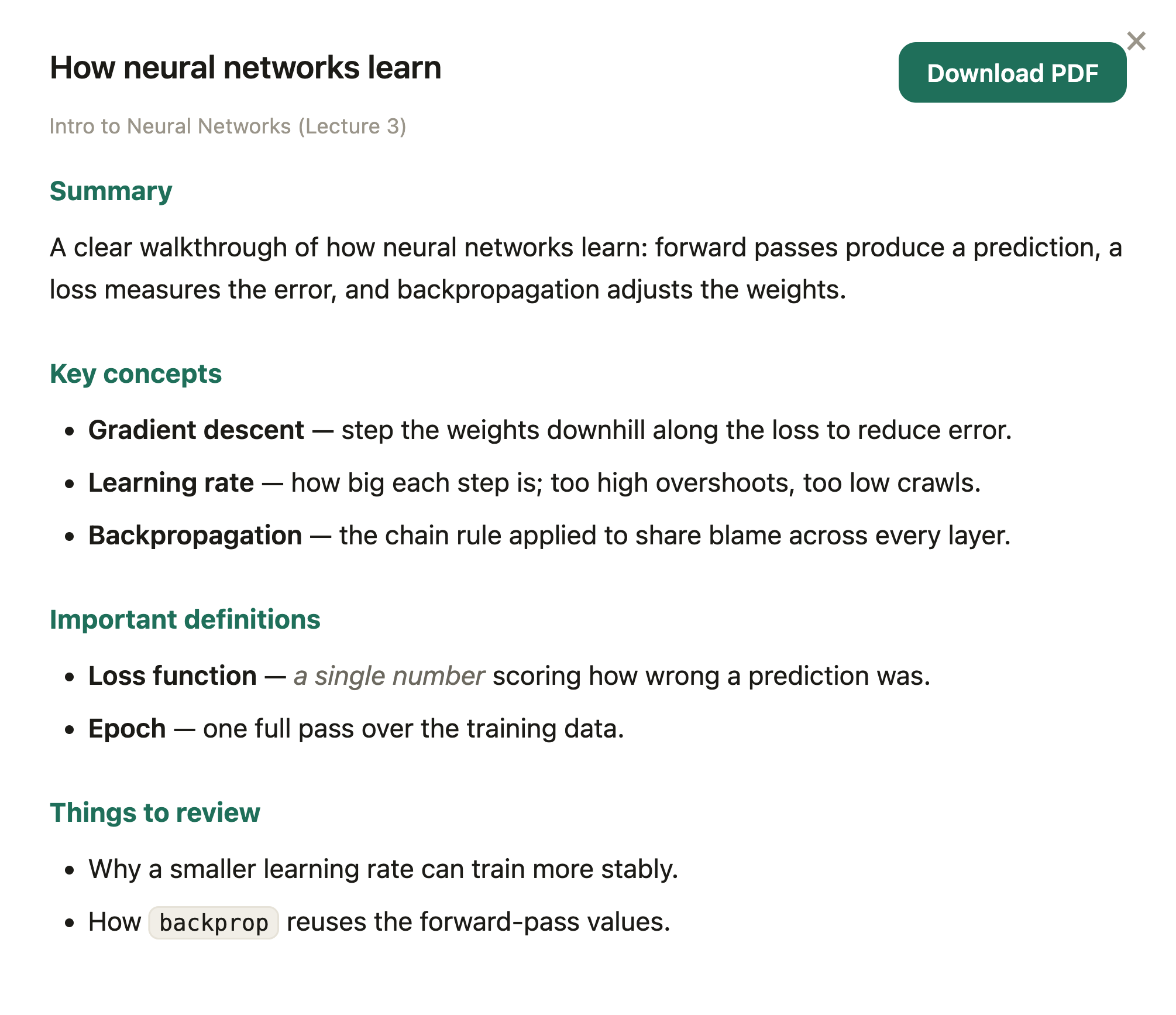
Real screens from the extension: ask in the moment, then turn the session into notes and a quiz.
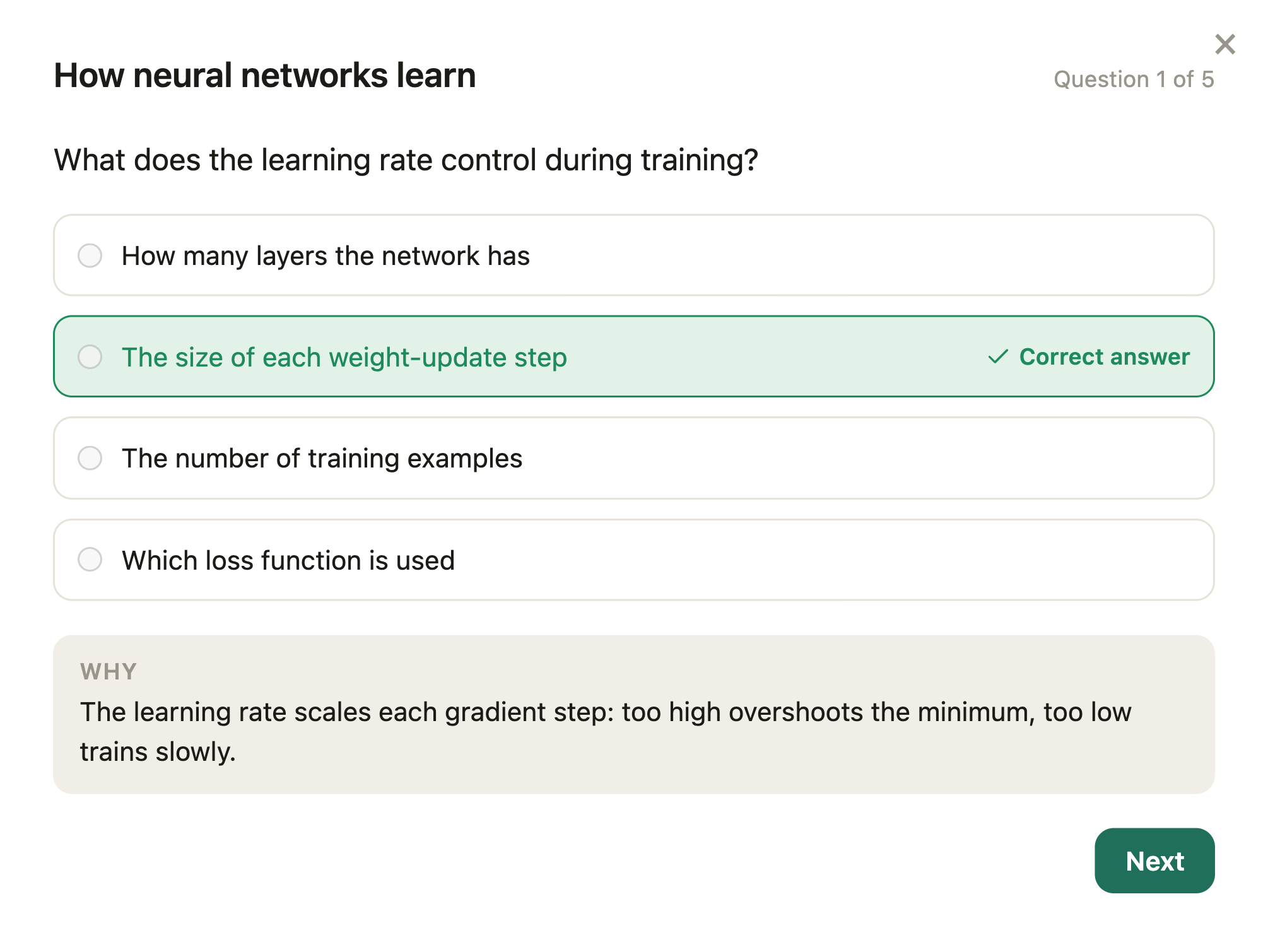
Start a session on any tab
How it works
From watching to studying, in four steps.
Press one hotkey while you watch. raisehand does the rest, then hands you something to study from.
Start a session
Open any video, lecture, or audio tab and start watching. raisehand follows along with a live transcript and what's on screen.
Press the hotkey to ask
Hit the raise-hand hotkey any time you're curious. A modal opens and the video pauses so you can type your question.
Get a grounded answer
raisehand answers using the transcript of what was just said and the recent frames on screen, so the reply is about exactly what you're watching.
Make notes or a quiz
End the session and turn it into a structured set of study notes or a quiz to check what you learned. Save them, return to them, delete them any time.
Works anywhere
Any video or audio tab, any site.
raisehand isn't locked to one platform. If it plays in your browser, you can raise your hand.
Courses
Follow along with online courses and lessons.
Lectures
Catch what you missed and review it after.
Meetings
Ask about recorded calls and walkthroughs.
Tutorials
Get steps explained while you watch them.
Private by design
Your screen stays your business.
raisehand is built so the sensitive parts of what you watch never land on our servers.
Audio and video stay in your browser
What you watch is sent straight from your browser to transcription, never routed through or stored by us.
Live Q&A is not stored
The transcript and the questions and answers you exchange while watching are processed in the moment and discarded.
Your notes are yours
The notes and quizzes you choose to generate are saved to your account so you can return to them, and you can delete them whenever you want.
Read the full Privacy Policy for the details.